The more advanced effects are always a few clicks away.
Download Now!Browse for backgrounds, effects or transitions on our website.
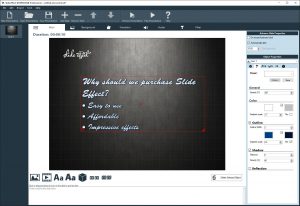
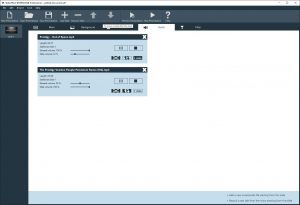
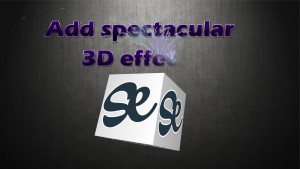
Download Now!Slide Effect is a Windows presentation software to create professional quality presentations or slide shows in just a few mouse clicks. Do you want to create a business presentation, a photo slideshow for a demonstration or an interactive showcase? Slide Effect is exactly what you need!



"I just wanted to take some time out of my life to say what a great piece of software this is. After creating one slide for a business presentation, I was convinced that this is the best way to go."
Brian Yoshimura, US
Do not hesitate, download Slide Effect and start creating the presentation of your dreams immediately. It's even free!
Keep up to date with Slide Effect news!
We released today the version 2.0.30 of Slide Effect. Changes in details: Use now TLS1.2 to communicate to website Pressing DEL […]
We released today the version 2.0.29 of Slide Effect. Changes in details: Fixed an issue when downloading effects/backgrounds. Fixed a position […]
We released today the version 2.0.28 of Slide Effect. Changes in details: Fixed a critical issue with 2D countdowns
We released today the version 2.0.27 of Slide Effect. Changes in details: Fixed a critical issue when loading old presentations on […]
We released today the version 2.0.26 of Slide Effect. Changes in details: Corrected an issue when saving effects on the effect […]